
Jan
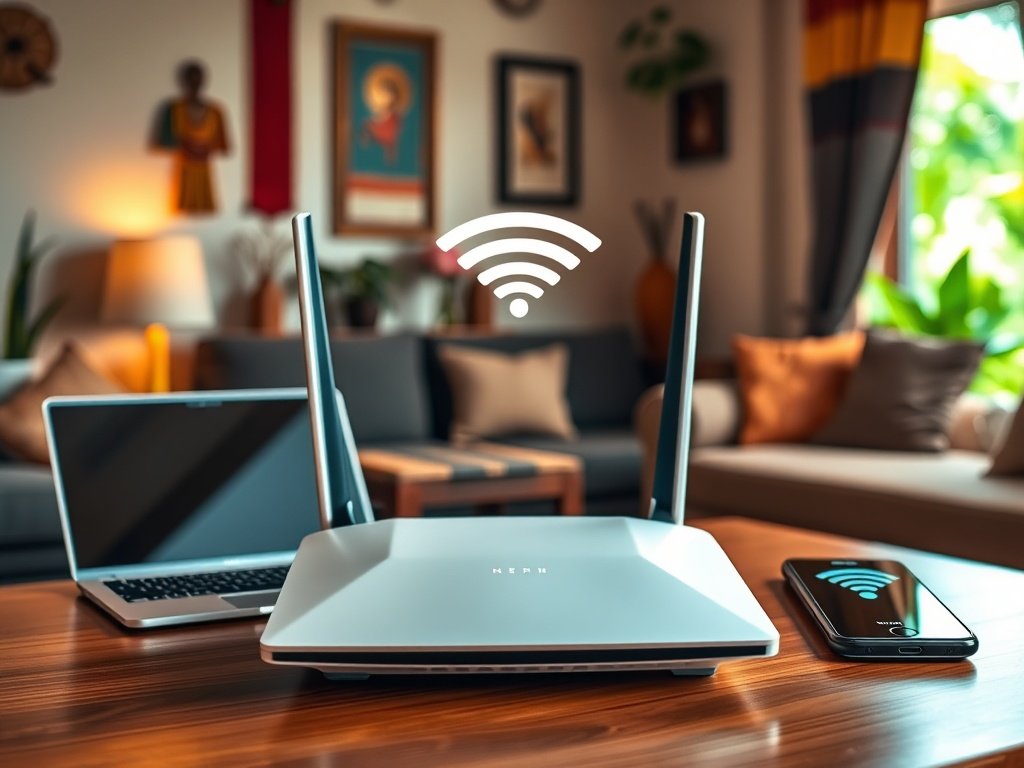
Internet connections have become more important than ever for Kenyan families. Kids need them for online classes, parents use them to work from home, and everyone streams shows. A good WiFi router is now essential. It should handle many devices at the same time without dropping the connection or causing problems.
Many people look only at speed when choosing a WiFi router for their home, but this often leads to problems later. Kenyan homes face unique challenges, like unstable power and thick concrete walls that weaken signals. The router you pick can impact your work, your family’s comfort, and how smoothly everyone gets online.
Understanding Your Home’s WiFi Demands
Coverage Area Matters More Than You Think: Many Kenyan homes have layouts that challenge WiFi signals. Concrete walls, metal roofing, and multi-storey designs create dead zones that cheaper routers can’t penetrate. A router that works beautifully in a one-bedroom flat will fail miserably in a four-bedroom maisonette, leaving family members fighting over the few spots with a decent signal.
Device Load Creates Hidden Bottlenecks: The average Kenyan household now connects 8-12 devices simultaneously. Smartphones, laptops, smart TVs, and tablets all compete for bandwidth. Budget routers promise high speeds but choke when multiple devices connect. You’ll notice this during video calls when someone else starts streaming, or when your presentation buffers because the kids are gaming online.
Essential Features for Kenyan Families
Parental Controls Keep Children Safe Online: Schools now assign homework that requires internet access, but that opens doors to inappropriate content. Quality routers offer scheduling features that automatically cut access during homework time or bedtime. You can also filter content and monitor which sites your children visit, giving you peace of mind without constantly hovering over their shoulders.
Guest Network Protection Maintains Security: When relatives visit, or your children’s friends come over, they’ll ask for your WiFi password. Sharing your main network password creates security risks. A proper guest network keeps visitors connected while protecting your personal devices, files, and smart home equipment from potential threats or accidental interference.
Critical Features for Remote Workers
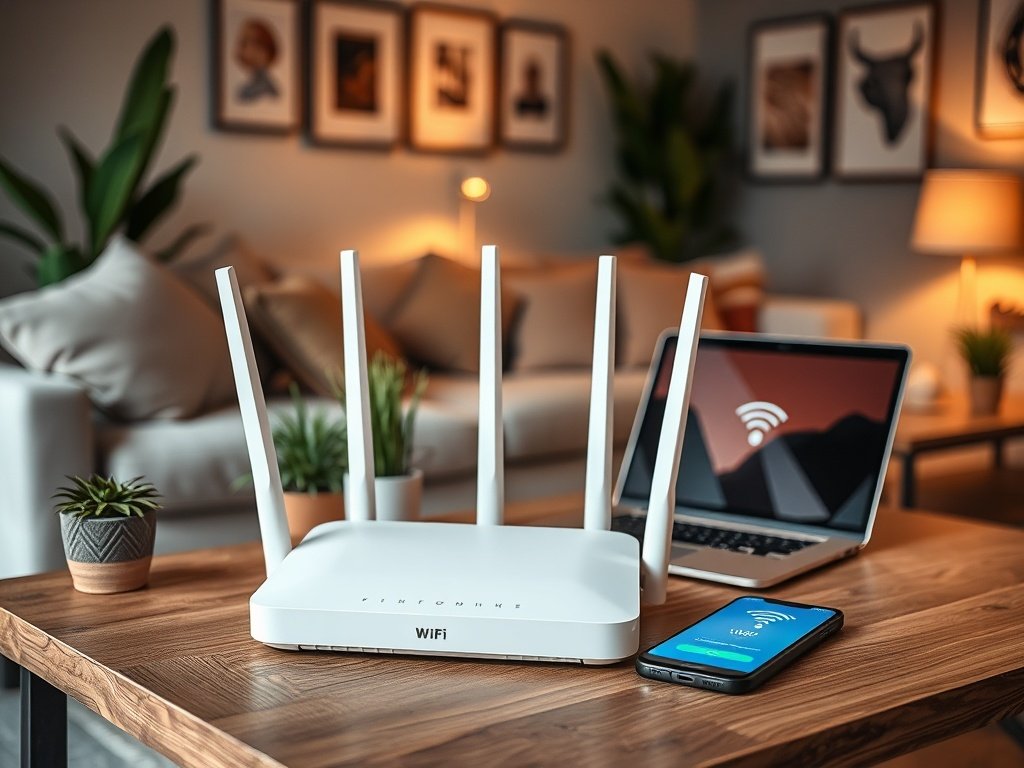
Dual-Band Technology Separates Work from Play: Remote workers need reliable connections for video conferences and file uploads. Dual-band routers operate on both 2.4GHz and 5GHz frequencies. Connect your work laptop to the 5GHz band for faster speeds and less interference, leaving the 2.4GHz band for general household use. This separation prevents your presentation from freezing when someone starts downloading files.
Quality of Service Prioritises Important Traffic: Some routers let you prioritise specific devices or applications. Set your work computer as a priority, and the router ensures your video calls get bandwidth first. Even when others are streaming or gaming, your work connection remains stable. This feature has saved countless professionals from embarrassing disconnections during client meetings.
VPN Support Adds Security Layers: Many remote workers handle sensitive company data. Routers with built-in VPN support encrypt your internet traffic, protecting confidential information from potential breaches. This becomes particularly important when using public cloud services or accessing company servers from home, adding a professional-grade security layer without complicated setup.
Balancing Budget with Performance
Upfront Costs Hide Long-Term Expenses: That budget router might save you less money, but poor performance costs more over time. Dropped video calls damage your professional reputation. Slow connections waste hours of productivity weekly. Children complain about buffering homework videos. After six months of frustration, you’ll replace it anyway, spending more than if you’d bought quality initially.
Power Consumption Affects Monthly Bills: Premium routers often use more efficient components that draw less power. Over a year, this difference adds up. Energy-efficient models also generate less heat, extending their lifespan and reducing the need for cooling in already warm Kenyan homes. Calculate these ongoing costs when comparing prices, not just the initial purchase.
Conclusion
Choosing the best WiFi router for home in Kenya requires looking beyond advertised speeds to features that match your daily reality. Families need coverage that reaches every room, controls that protect children, and capacity for multiple devices. Remote workers require stable connections, security features, and traffic prioritisation. The right router investment pays dividends through improved productivity, better family harmony, and fewer frustrating disconnections. Take time to assess your specific needs, compare features carefully, and choose a solution that grows with your household’s demands.
