
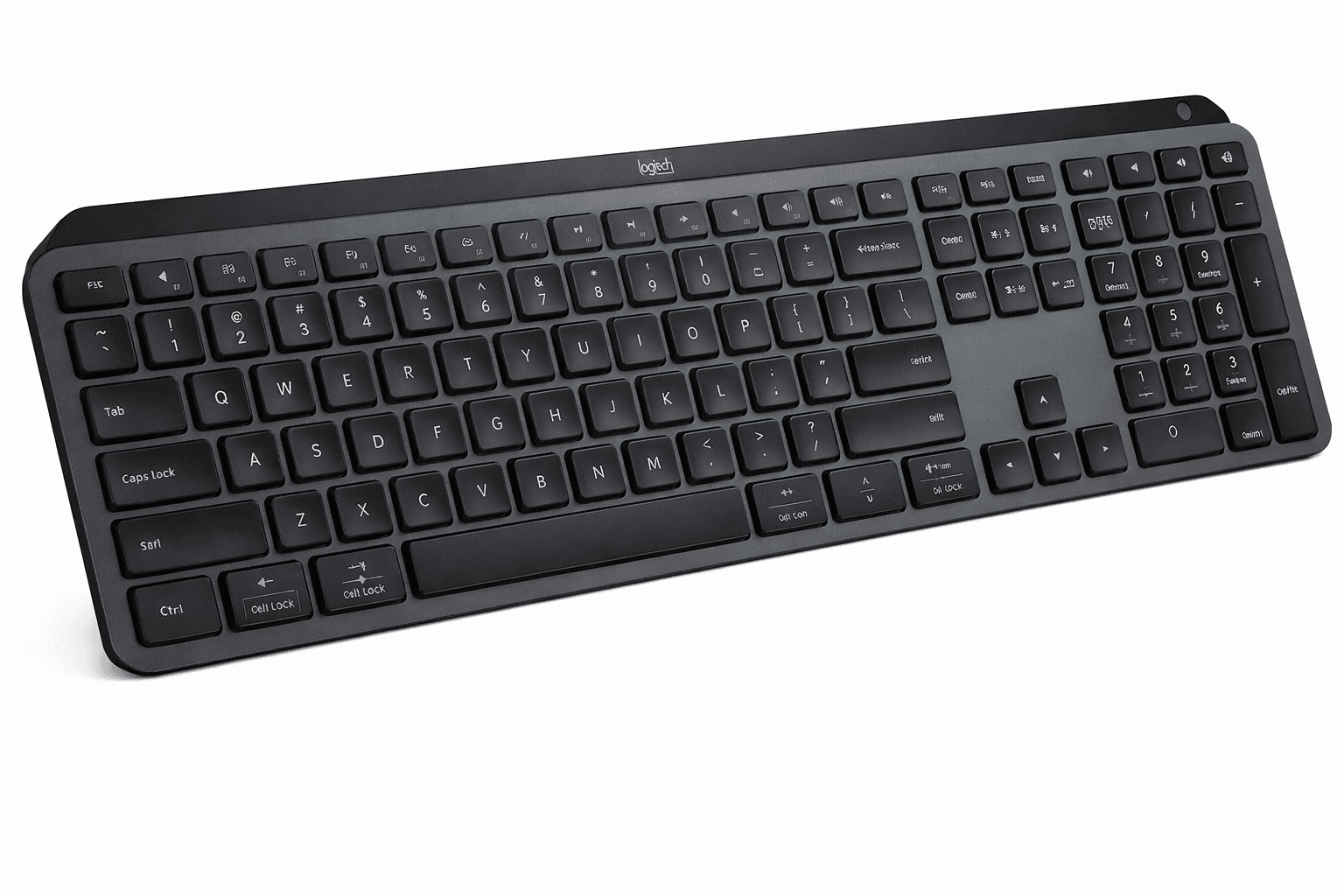

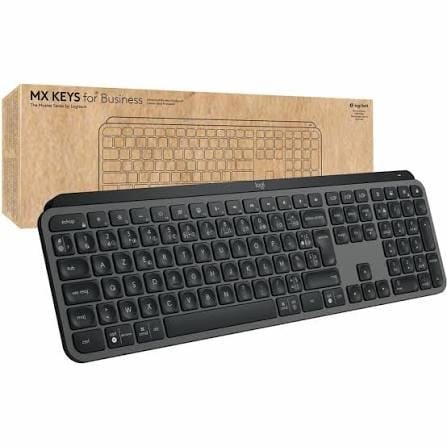
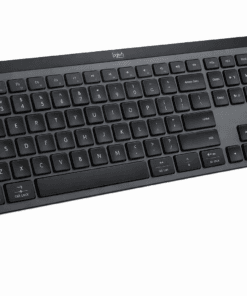
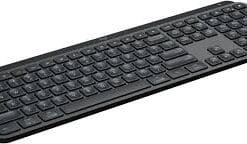
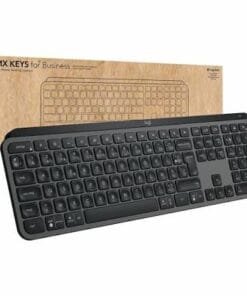
Logitech MX Keys S – Smart Illuminated Wireless Keyboard
Original price was: KSh 20,500.00.KSh 19,500.00Current price is: KSh 19,500.00. excl. VAT
- Rechargeable Li-Po (1500 mAh) battery
- Hand proximity sensors that turn the backlighting on
- Ambient light sensors that adjust backlighting brightness
- USB-C rechargeable.
- On/Off power switch
- Caps Lock and Battery indicator lights
- Compatible with Logitech Flow enabled mouse
- 33 ft (10 meters) wireless range
Buy online from Digital online shop
Logitech MX Keys S Illuminated Keyboard Overview.
The Logitech MX Keys S Illuminated Keyboard is a premium wireless keyboard built for comfort, precision, and productivity. Hence,it offers a fluid typing experience with spherically-dished keys, smart backlighting that adapts to your environment, and advanced features like Smart Actions automation. Designed for professionals, it therefore connects seamlessly to multiple devices and delivers long-lasting battery life with USB-C charging, making it a versatile tool for modern workflows.
Key Features Of MX Keys S Illuminated Keyboard
Master Your Flow
Take your productivity to the next level with MX Keys S. This high-performance keyboard delivers comfortable, fast, and smooth typing. It also features smart backlighting and programmable keys. Meanwhile, the MX Keys Mini offers the same great performance in a more compact design, making it ideal for smaller workspaces.
Ergonomic Design
The low-profile design and optimal angle help keep your wrists in a natural position. As a result, you can type more comfortably and accurately for longer periods.
Multi-Device and Multi-OS Support in the MX Keys S Illuminated Keyboard
Switch between up to three devices with the press of a button. In addition, the keyboard works with Windows, macOS, ChromeOS, Linux, and iPadOS. Therefore, it fits easily into almost any setup.

USB-C Quick Charging
A full charge provides up to 10 days of use with backlighting enabled. Alternatively, it can last up to 5 months with backlighting turned off. Additionally, you can continue working while charging with the included USB-C cable.
Smarter Smart Illumination in MX Keys S Illuminated Keyboard
The backlit keys light up when your hands approach the keyboard. They also adjust their brightness automatically based on the surrounding light. Furthermore, Logi Options+ lets you customize the backlighting brightness and duration to match your preferences.
Automate Repetitive Tasks
The Smart Actions feature in the Logi Options+ app helps reduce repetitive work. As a result, you can automate multiple actions and trigger them with a single keystroke, saving time and effort.
Be the first to review “Logitech MX Keys S – Smart Illuminated Wireless Keyboard”
You must be logged in to post a review.
Related products


Logitech Store Kenya


Logitech Store Kenya


Computer Accessories

Logitech Store Kenya
Reviews
There are no reviews yet.